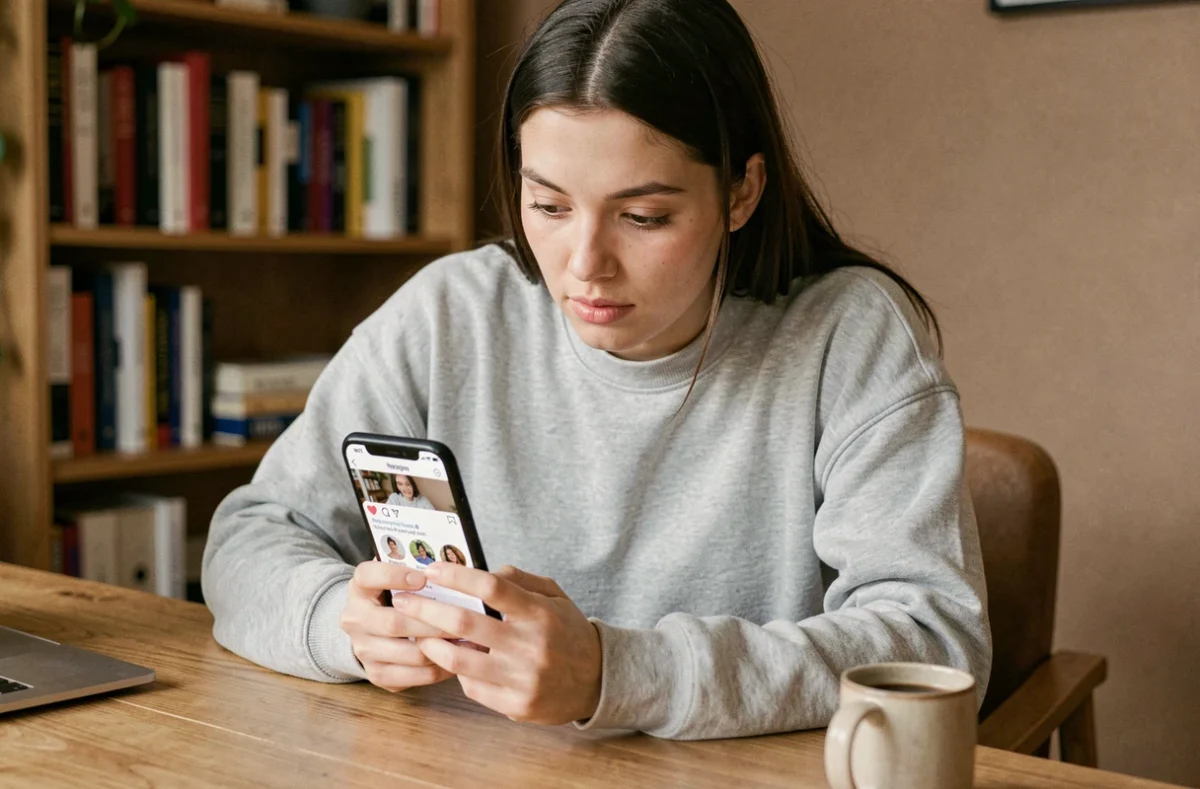
On Instagram, a profile picture appears in a circle just a few dozen pixels wide on a smartphone screen. The platform automatically compresses and crops the uploaded image, regardless of the original file. Viewing an Instagram profile picture at a larger size therefore means retrieving a less reduced version than the one shown by default, which raises technical questions and issues related to the network’s terms of use.
What size Instagram actually stores profile pictures at
The circular display hides a technical detail that most guides don’t clearly explain: the resolution retained on Instagram’s servers differs from the one you see on your screen. The officially recommended upload size is 320 x 320 pixels. Uploading a high-definition image, such as one measuring 1080 x 1080 pixels, improves how sharp it looks on screen, but Instagram doesn’t serve that resolution in the public URL for the profile picture.
In other words, even if you upload a large file, the version accessible from outside Instagram is still compressed. Online tools that promise to show the photo “at its original size” actually retrieve the largest version stored on Instagram’s servers, not the source file. The resulting quality therefore depends on what Instagram has retained, not on what the user originally uploaded.
This explains why some enlarged profile pictures look blurry: the source file isn’t accessible from outside Instagram. The result depends entirely on the resolution Instagram chose to keep during compression.
Enlarge an Instagram profile picture without a third-party tool
Before turning to an external service, there’s a method that works for public profiles and only requires your computer’s browser. It involves accessing the page’s source code.
Several users on tech forums describe a method for viewing an Instagram profile picture by accessing the URL of the image file hosted on Instagram’s servers directly. Open the profile in a web browser (not the app), right-click the photo, then select “Inspect” to find the image URL in the HTML code. By changing certain size parameters in that URL, you can load a larger version.
This approach has some practical limitations:
- It only works in a desktop browser, not in the Instagram mobile app
- Image URLs change regularly, making links unstable over time
- The resolution is still capped by the compression Instagram applies during upload
- On a private account, accessing the source code doesn’t bypass privacy restrictions on posts, but the profile picture remains visible
Online viewers and automated data collection: what Instagram’s terms say
Third-party tools that offer to enlarge a profile picture work on a simple principle: you enter a username or profile URL, the service queries Instagram’s servers and returns the largest available version of the file. The process takes a few seconds and requires no installation.
The issue isn’t ease of use, but the legal framework. Instagram’s terms of use prohibit automated access or data collection without express permission, even when the user is logged in. A service that automatically queries the servers to extract profile pictures falls into this gray area, even if the image in question is publicly visible.
Special case: tools that ask for your password
Some websites or apps ask for your Instagram login details to access profile pictures in a larger format. This kind of request poses a direct risk. Instagram has tightened its controls on sharing passwords with third-party services, and providing your credentials to an unofficial tool could result in your account being suspended.
No legitimate tool needs your password to display a public profile picture. If a service asks for it, it’s either collecting data or trying to access private content by impersonating you.
Private accounts and Instagram profile pictures: a false sense of protection
One point that’s often misunderstood: setting your account to private protects your posts, stories and reels. Your profile picture, username and display name, however, remain visible to everyone, including people who aren’t logged in to Instagram.
Recent sources confirm that the profile picture is one of the identifying details that remain public, even when an account is private. It may appear in search results, follow suggestions and on the profiles of accounts that mention you.
This has a direct implication for anyone concerned about privacy: your choice of profile picture shouldn’t depend on whether your account is public or private. The image will be visible to strangers either way. It’s best to assume that anyone can access it and choose a photo you’re comfortable showing publicly.
Image quality and actual resolution after enlargement
Enlarging an image doesn’t improve it. Online viewers display the photo at the largest size stored, but they don’t add any pixels. The image is the same; it’s simply stretched if you display it beyond its native resolution.
For a sharp result, the original photo must have been uploaded at a sufficient resolution. If the user uploaded a small image, no tool can recreate the missing details. Some services use upscaling algorithms to smooth out the pixels, but the result is still an interpolation, not true high definition.
The best way to get a sharp, large-format profile picture is to ask the person directly or check their other social media accounts, where they may have posted the same image at a higher resolution. Enlargement tools are useful for a quick preview, but the original resolution sets the absolute limit on image quality.